JAMB 2026: What to do if your Thumbprint Fails (Simple Guide)

Published Apr 7, 2026 · 11:50 PM
 Published Apr 7, 2026 · 11:50 PM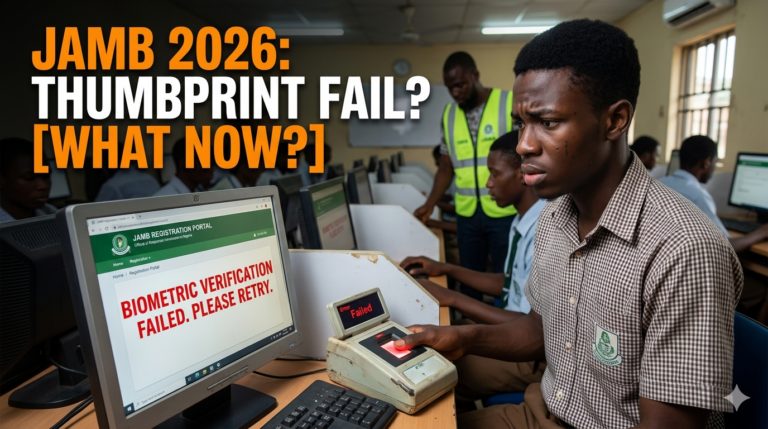
It is the morning of your JAMB 2026 Unified Tertiary Matriculation Examination (UTME). You’ve studied for months, and you’ve arrived at the CBT center early, but then the nightmare happens: the biometric scanner refuses to recognize your thumbprint.
If this is happening to you, don’t panic. You are not the first person this has happened to, and it doesn’t mean you won’t write your exam.
Here is a step-by-step guide on exactly what to do if your thumbprint fails during JAMB registration or on exam day.
1. Stay Calm and Don’t Rub Your Fingers
The biggest mistake students make is frantically rubbing their hands together or on their clothes. This can create friction, sweat, or static that makes the scanner’s job even harder.
- The Fix: Take a deep breath. Ask the official for a clean tissue to gently wipe your finger and the scanner surface.
2. Check for External Factors
Sometimes, the issue isn’t your finger—it’s what’s on it.
- Oils and Lotions: If you applied heavy cream or oil in the morning, the scanner might struggle to see your prints.
- Henna (Lalle): For candidates using Henna, ensure it is faded. Deep, fresh Henna can sometimes interfere with the infrared light of the scanner.
- Dry Skin: Extremely dry skin can also cause “flat” prints. Sometimes, lightly touching your forehead (where there is natural skin oil) and then touching the scanner helps.
“Struggling with JAMB preparation? Get the 2026 JAMB Syllabus and Past Questions instantly on Noniexpo.com.”
3. Ask for a “technical reset.”
If the computer freezes or the software lags, it might look like a biometric failure when it’s actually a network issue.
- The Fix: Request the CBT center technician to refresh the biometric page or restart the application. Often, a fresh start is all the system needs to recognize you.
4. The “Zero-Finger” or Fingerprint Note
If your prints simply will not capture after multiple attempts, JAMB has a protocol for this.
- Registration Stage: If this happens during registration, the CBT center will mark you for “Biometric Challenges.” You may be required to visit a JAMB state office for special capturing.
- Exam Day: On the day of the exam, if the biometric verification fails, the supervisor must document it. DO NOT leave the center without ensuring the official has noted your case.
5. JAMB Online Support Ticket
If the issue persists and you are worried about your admission status or exam slip, use the JAMB Support Ticketing System.
- Go to the JAMB facility portal.
- Create a ticket under “Biometric Challenges.”
- Upload a clear photo of your registration slip and explain that your thumbprint failed at the center.
Pro-Tips to Avoid Biometric Issues
- Keep your fingers clean: Avoid manual labor that might cause cuts or bruises on your fingertips a week before the exam.
- Hydrate: Strange as it sounds, being hydrated keeps your skin plump and your prints clear.
- Follow Instructions: Ensure you are placing your finger flat on the scanner, not just the tip.
In conclusion: JAMB 2026 is designed to be inclusive. If your biometrics fail, there are manual verification forms and “No Biometric” schedules usually handled at the JAMB headquarters. You have worked too hard to let a machine stop you. Follow the steps above and stay focused on your papers!


Comments (0)